
Big O Notation for Beginners: A Practical Guide to Algorithm Efficiency
Two programs can produce exactly the same output and still behave like different species. One answers while you are still reaching for your coffee; the other leaves a laptop fan howling once the list grows from a hundred items to ten thousand. Big O notation is the shared vocabulary programmers use to describe that difference — not in seconds, but in how the work grows as the input grows.
What Big O Actually Measures
Big O answers a single question: as the input gets bigger, how does the amount of work grow? The input size gets a name, usually n. For a list of customer names, n is the number of names. For a string, n is the number of characters. For a grid, n might be the number of cells.
Here is an everyday way to picture it. You need to find a phone number in a printed address book. If the pages are in random order, your only option is to flip through them until you get lucky — double the book and you roughly double the flipping. That is O(n), or linear time. If the book is sorted by name, you can open it in the middle, decide which half contains your target, and repeat. Now doubling the size of the book costs one extra flip. That is O(log n), logarithmic time, and it is dramatically better on a big book.
Notice what is missing from both descriptions: how fast you flip, how good your eyes are, whether you have had lunch. Big O deliberately ignores those details. It cares about the shape of the curve, not the height of any single point on it.
Your First Count: Nested Loops Are a Red Flag
Suppose you need to know whether a list of order IDs contains a duplicate. The most direct approach compares every item with every other item:
for each item i in the list:
for each item j that comes after i:
if item i equals item j, stop and report a duplicate
The inner loop runs once per pair, which works out to roughly n² ÷ 2 comparisons. With 1,000 orders that is about half a million comparisons. With 10,000 orders it climbs to around 50 million. Nothing changed except the size of the input, yet the second check is far heavier than a hundred times the first.
A hash set rewrites the same job as a single pass. Walk the list once, and for each ID ask, "have I seen this one already?" Adding to a set and looking up a value in a set are O(1) on average, so the whole check becomes O(n). The nested version is not incorrect. It is just slow in a way that will eventually hurt, and Big O is the notation that lets you see it coming.
The Complexity Zoo, Ordered From Fast to Slow
- O(1) — constant: the work does not change with input size. Reading a list element by index, or looking up a dictionary key.
- O(log n) — logarithmic: each step throws away most of the remaining data. Binary search on a sorted array; finding a word by halving a sorted list.
- O(n) — linear: one pass over the data. Finding the largest value, counting items, summing a column.
- O(n log n) — linearithmic: the standard cost of a good comparison sort, like the sort built into most languages.
- O(n²) — quadratic: a loop inside a loop over the same data. Comparing all pairs, bubble sort, checking every item against every other item.
- O(2ⁿ) — exponential: trying every possible subset or combination. Fine for n = 10, hopeless for n = 40.
Anything above O(n log n) deserves a second look. Not because it is always wrong, but because it usually means you missed an easier structure — a set, a dictionary, a sorted list, or a running total.
Three Rules That Do Most of the Work
- Drop the constants. O(2n) is O(n). O(n + 500) is O(n). If your code does three passes instead of one, that is a real cost, but it is not a different complexity class.
- Keep the dominant term. O(n² + n) is O(n²), because once n gets large the squared part drowns everything else. When you simplify, keep the fastest-growing term and throw away the rest.
- Sequences add; nesting multiplies. Two loops one after another is O(n) + O(n), which is still O(n). A loop that runs a full loop inside it is O(n × n). That single distinction explains most of the complexity questions you will meet in an interview.
Space Complexity: The Other Half of the Bill
Big O describes memory the same way it describes time. Building a new list the length of the input costs O(n) extra space. Sorting a list in place costs O(1) extra space, ignoring the small fixed overhead of the algorithm itself. Recursion is the exception people forget: a recursive walk down a linked list keeps a stack frame per level, so it uses O(n) space even if it allocates nothing explicitly.
Time and space often trade against each other, and the duplicate example shows it cleanly. The pair-comparison version uses O(n²) time and O(1) extra space. The set version uses O(n) time and O(n) space. In most everyday programs, memory is cheap and waiting is not, so the set wins. Knowing that you made a trade — rather than accepting it by accident — is the point.
Where Big O Misleads You
The notation is a map, not the territory, and it ignores constants on purpose. For a list of twenty items, a well-written O(n²) loop can easily beat a fancy O(n log n) algorithm, which is exactly why several real sorting implementations switch to a simple insertion sort for small arrays. Big O also describes growth, not speed: two O(n) functions can differ by a factor of ten depending on cache behaviour, memory access patterns and the language you are using.
Worst case and average case are different stories too. A hash lookup is O(1) on average, but with poor hashing and heavy collisions it degrades toward O(n). When someone says "that's O(1)", it is fair to ask: on average, or always?
Practice: Turning It Into a Habit
You do not need a textbook to get comfortable with this. Start with the code in front of you:
- Name n out loud. What exactly is growing — rows, users, characters, requests?
- Scan for loops inside loops that touch the same data. That is your first suspect.
- Ask what data structure is doing the lookup. A list search is O(n); a set or dictionary lookup is O(1) on average.
- Time both versions at three sizes, say 100, 1,000 and 10,000 items. The growth curve shows up faster in measurements than in theory.
- Write the complexity in a comment next to tricky functions. Future readers, including you, will thank yourself.
Do this a few times a week and you will start noticing quadratic code the way you notice a typo. The goal is not to memorise a chart — it is to develop the instinct to ask, "how does this behave when the input gets big?" That question is what separates code that works on your laptop from code that still works in production.
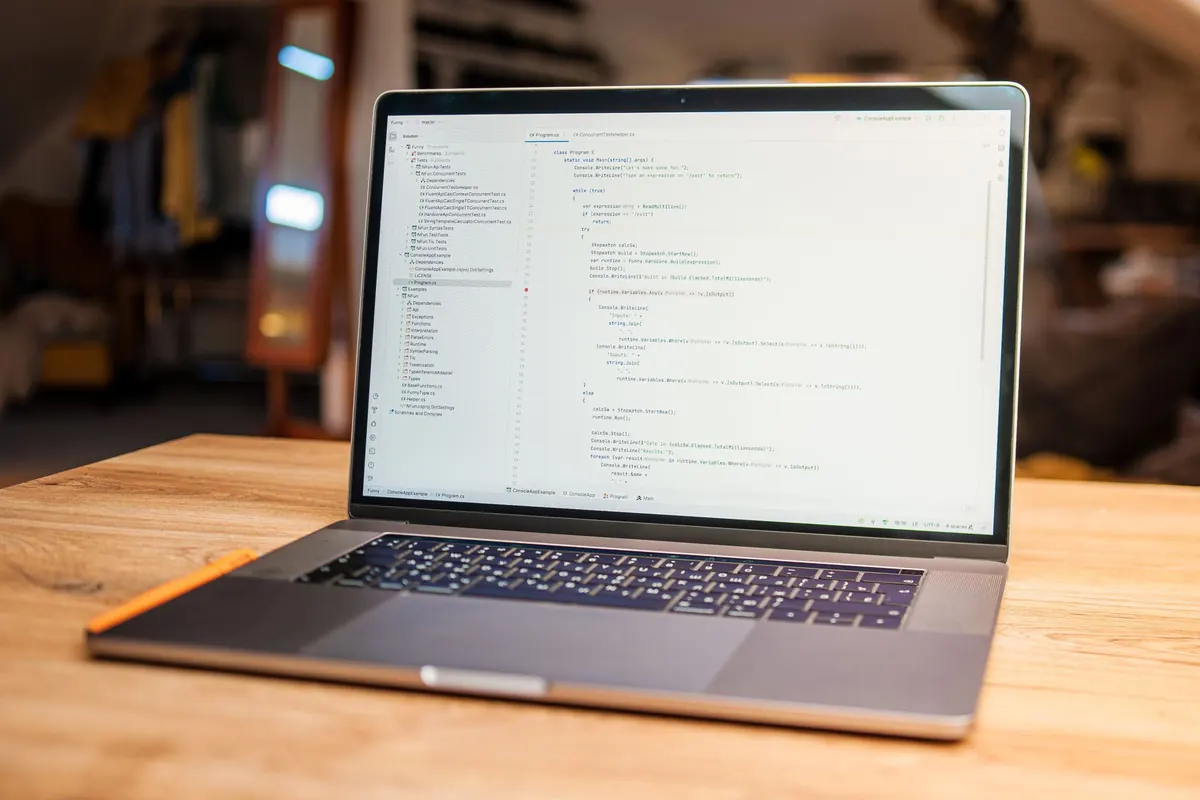
Photo: AS_Photography / Pixabay

You Might Also Like
Five common SQL mistakes, including SELECT *, missing indexes, poor joins, and NULL traps, with practical fixes for faster, clearer queries.
Git is the version control system on your computer; GitHub is where you host and share repositories. Here is how they differ, plus commands to start.